

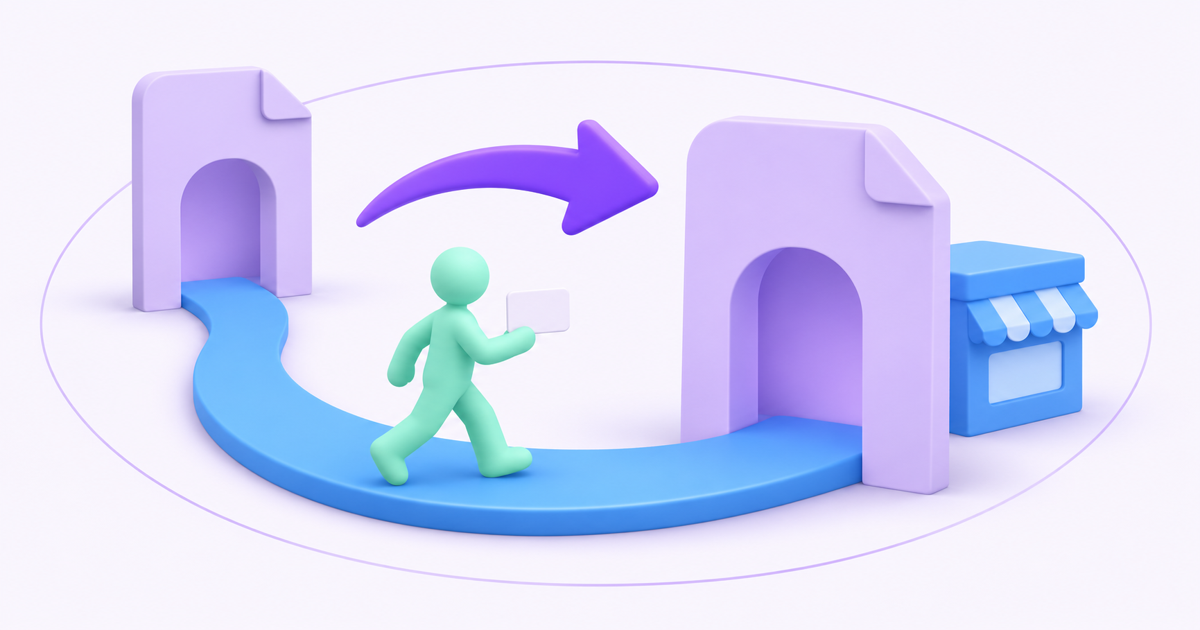
A hypothetical example. A service receives a clearer page address, but an old presentation retains the previous link. Visitors follow it and land on the home page. The website opens, yet they must search again for the service. The move happened; the sign points to the wrong door.
A URL is a page’s internet address. Changing it affects links in emails, documents, advertising and bookmarks. Before renaming, map old addresses to new ones; afterwards, check that the transition preserves its purpose, not merely that the site opens.
First identify the appropriate new page
For each old address, identify the corresponding new content. Agree a separate decision with the site owner when material is merged or removed. Do not choose a destination solely by a similar page title.
For a permanent URL change, Google recommends a permanent server-side redirect where possible; 301 and 308 indicate a permanent move. Official redirect recommendations. A specialist chooses the implementation for the site and hosting.
This does not promise immediate search changes or unchanged rankings. A work check should first answer a simple question: does the old link provide relevant content and a clear next action?
Do not send every old link to the home page
Google’s migration guidance warns against redirecting many old URLs to one irrelevant page, such as the home page. Preparing URL changes. Readers also find it inconvenient: instead of the answer, they must begin searching again.
For Kazakhstan and Kyrgyzstan sites, verify the destination region and language. An English link to a particular service should not silently become a general Russian section for another country without a clear reason. Establish which corresponding versions actually exist.
Review internal links and materials employees use. Giving colleagues the new address is easier than repeatedly explaining that the old one also works. A list of important external materials helps prioritise updates.
Follow the old link through to an enquiry
Test a transition from where the customer will encounter it: an email, presentation or another agreed source. Compare the final content with expectations. Then check the enquiry button and form on that page.
If enquiries enter Bitrix24, inspect a training submission in CRM, the customer relationship management system. The manager should receive the agreed request context. A CRM form’s hidden field can carry the page address, but verify its actual post-transition value. CRM form hidden fields.
Do not assume that the original old address is automatically retained: transmission behaviour depends on implementation. Check source recording, form operation, permissions and available settings on the actual site and portal. Training submissions must not trigger unwanted messages to real customers.
Save outcomes and unresolved addresses
For each checked transition, record the old address, final page, language, region and enquiry outcome. Flag missing mappings separately and assign a decision owner. One successful transition does not verify every page and language.
Next, check several links from current materials before changing URLs in bulk. Discuss website-to-Bitrix24 connections, enquiry context and exchange checks with QQDev. Prepare an old link and its expected destination. Discuss the enquiry path with QQDev.